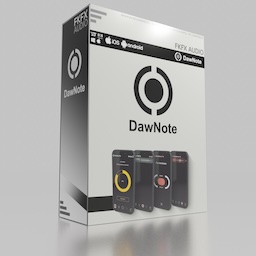

DawNote

Your best ideas happen away from your desk. Stop losing them.

Step outside. Press play. Hear your mix with fresh ears — and when something clicks, capture it instantly. Come back to your DAW and find every idea exactly where it belongs.

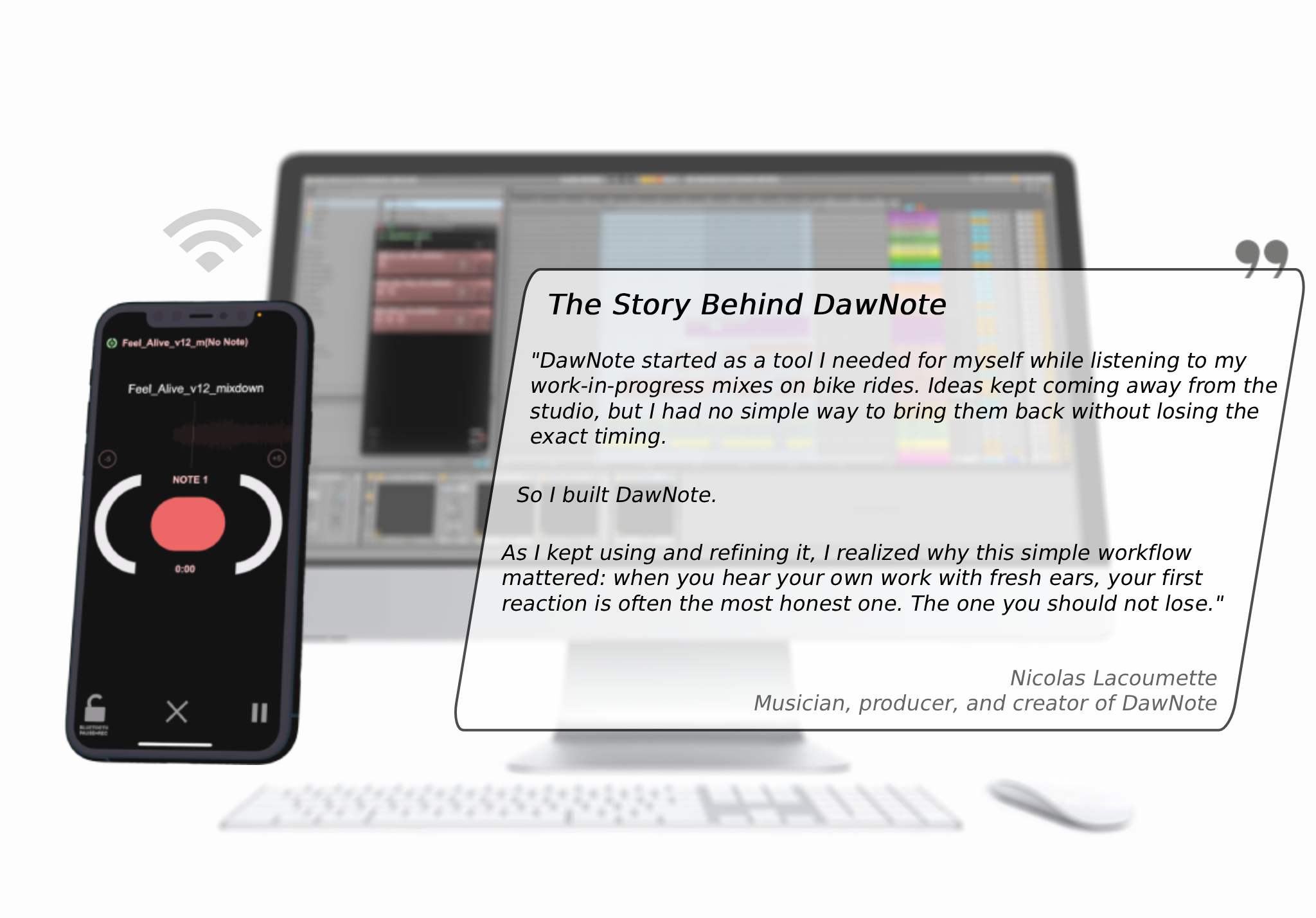
Send any mix to your phone in seconds. Record timestamped voice notes hands-free. Return to your studio with every idea, every marker, every fix already waiting for you — no scattered notes, no forgotten timestamps, no “what did I mean by that?”

Want more power?

DawNote Pro unlocks larger projects, unlimited track length, Studio Stream, and A/B References — for deeper studio workflows.

Get DawNote Free — the full workflow, no card, no subscription.

Try it on one real mix.

You may never want to work without it again.
WATCH VIDEO

Full Workflow Demonstration

Capture Your First Instinct, Anywhere

Your first reaction is often the one that matters most. Capture it before it fades with synced voice notes from your phone — hands-free with Bluetooth Pocket Mode, even from your pocket.

Simple Workflow, Big Results

Bring every note back into your DAW in one click. Your feedback lands exactly where it belongs — organized, timed, and ready to apply, so you can fix what you heard without wasting time reconstructing the moment.

Creative Chaos to Clear Notes

Increase productivity by turning rough ideas into usable studio decisions. Keep your workflow moving with easy transfers — no cables, no cloud, and no more lost ideas.

A/B References (Pro)

Compare your mix against reference tracks or earlier versions in real time, perfectly synced. Hear what changed, spot what still needs work, and make clearer decisions before you return to the studio.

Studio Stream (Pro)

Listen through your studio speakers while controlling playback and capturing notes from your phone. Adjust volume, stay in the sweet spot, and keep your decisions flowing — with lossless Wi-Fi streaming.

Collaborate Without Barriers (Pro)

Share projects with other artists and exchange timestamped WAV notes they can drop straight into their DAW. Feedback stays in context — no complicated setup.


Start with DawNote Free

DawNote Free on your phone.
Free desktop plugin on your computer.
One connected workflow. No card. No subscription.


Works with major DAWs: Ableton Live, Logic Pro, Bitwig Studio, Cubase, Reaper, Studio One, Waveform, FL Studio, and more.

Never Lose Your Best Idea.


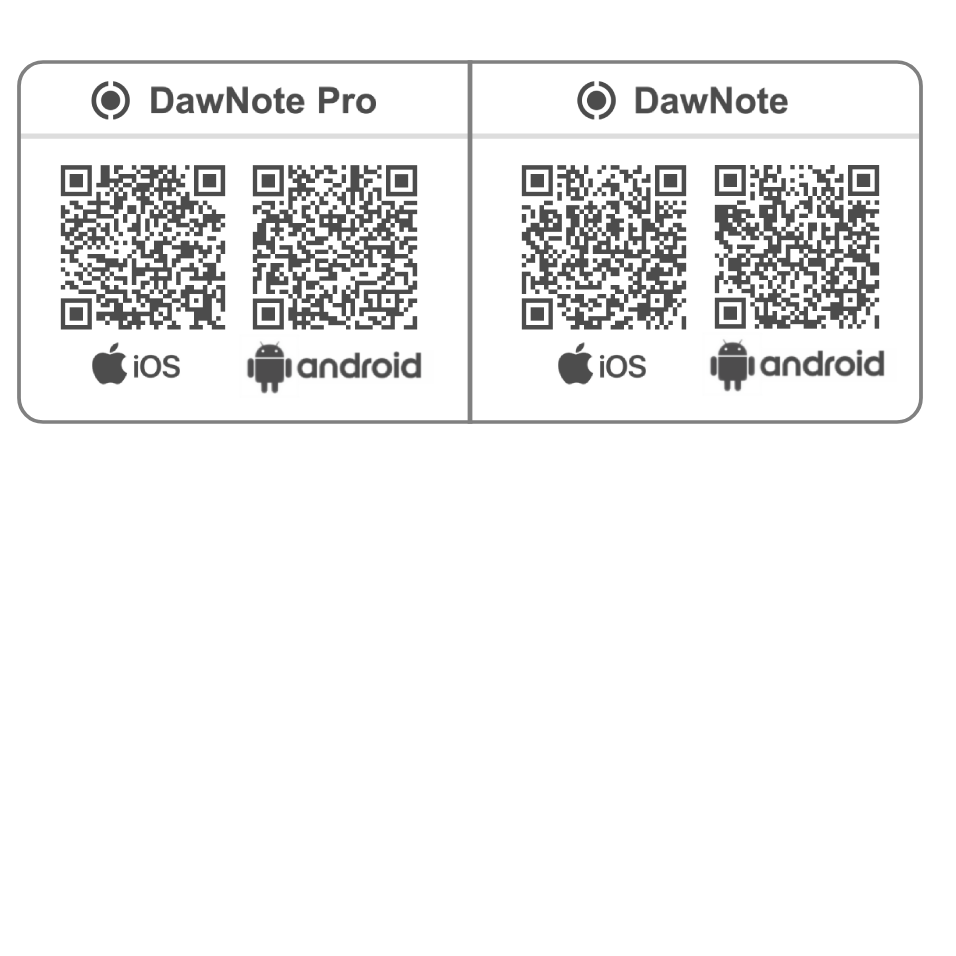
Get DawNote on your phone, then install the DawNote plugin on your computer.

  • FREE
  • VST3
  • AudioUnit
  • DawNote Studio Standalone
  • Windows
  • Mac

Get the Mobile App!

Title for This Block

Get the App!

DawNote Features

DawNote Features

  • Connect Mobile to Plugin (Free & Pro)
  • iOS & Android Version
  • One-Click DAW Sync
  • Instant Wi-Fi Transfer
  • MP3, WAV, AIF Support
  • Note Replay
  • Note Pre-Roll Context
  • Note Scrubbing
  • Bluetooth Headphone Support
  • Page Swipe Optional
  • Note References
  • Project Management
  • Note Queue (Pro)
  • Password-Protected Project Sharing
  • Input Level Adjustment
  • Playback Position Saving
  • Fully Working Free Version
  • 22 Languages Support (EN, FR, ES, DE, IT, PT, NL, SV, DA, FI, NO, ZH, RU, JA, AR, FA, UR, HE, KO, PL, TR, HI)
  • Sync on Startup Option
  • Direct Load Files on Phone
  • Voice Note Recording
  • Note Management
  • Pre-Roll Time Setup
  • MIDI Controller Recording Trigger
  • Pocket Mode (False Lock)
  • A/B Reference Tracks (Pro)
  • Studio Stream (Pro)
  • Color Tagging System
  • WAV Note Export (Synced)
  • Audio & MIDI Settings
  • Manual IP Connection
  • Light Mode

Download


Note : Email is required to install DawNote on your computer

  • FREE
  • Version 1.0.1
  • VST3
  • AudioUnit
  • DawNote Studio Standalone
  • Windows
  • Mac

Minimum Requirements

PC / Mac (Plugin/Standalone) Minimum Operating System: Windows 10 / macOS 10.13 (universal support for Intel and Apple Silicon) CPU: 2 GHz or faster Memory: 4 GB or more Software: Any DAW supporting VST3 or Audio Unit plugin standards: Logic Pro 11, Ableton Live 12, Cubase 13, Nuendo 13, Studio One 6, REAPER 7, FL Studio 21, Reason 12.5, Maschine 2, Cakewalk by Bandlab, Bitwig Studio 5, Digital Performer 11, Tracktion Waveform 12, Mixcraft 10, GarageBand, Samplitude Pro X7, Ardour 7, MuLab 9, Renoise 3.4. All plugin formats in 64-bit only. If you are using an outdated OS please try our free app version to ensure compatibility first. We are not able to support all outdated OS, as well as 32-bit VST2 versions.

ProTools Note: AAX support for Pro Tools is currently in development and will be available in a future update. In the meantime, Pro Tools users can use DawNote Studio standalone to receive notes from the mobile app and drag and drop them directly into their Pro Tools session.

iOS (Mobile) Minimum Operating System: iOS 16.0 or later Device: iPhone 6s or newer / iPad (5th generation) or newer Memory: Minimum 3 GB RAM / Recommended 6 GB RAM or more Storage: 50 MB available space

Android (Mobile) Minimum Operating System: Android 8.0 (API level 26) or later CPU: 2 GHz or faster Memory: Minimum 3 GB RAM / Recommended 6 GB RAM or more Storage: 50 MB available space


Unbox More:

We are happy to help !

Click to jump to support / enquiry form